The Amazing Firewalla for Your Small Business
Sometimes people discard things that have little value to them, but they could be extremely valuable to others – that is how I ended up with a Firewalla Purple security device.
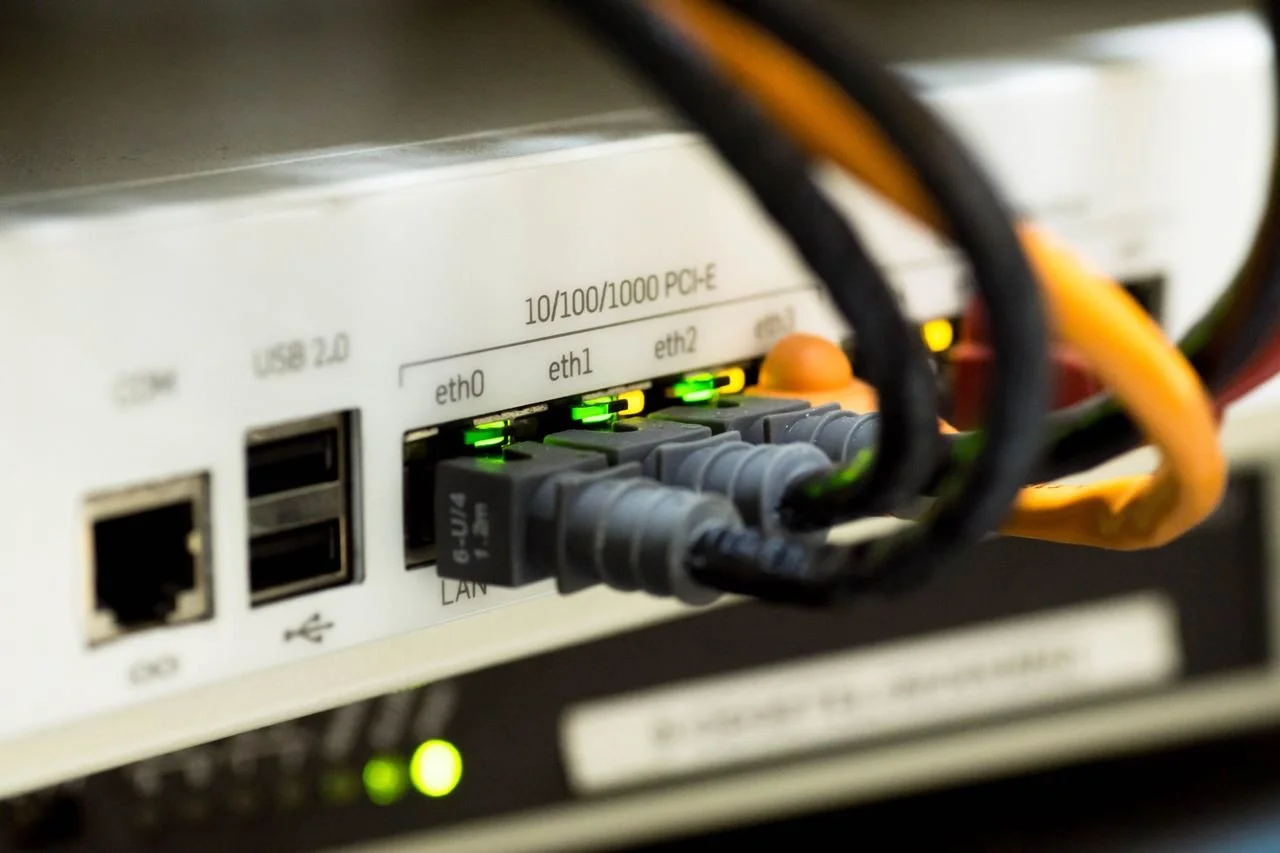
Unfortunately, this is not an image of the Firewalla device. I do not have permission from the manufacturer to use images of the Firewalla, so this is a copyright-free image of an unbranded security firewall, courtesy of Pixabay.
Yes, Firewalla is a funny name; kind of like someone trying to announce a fire in the town of Walla Walla. However, Firewalla is a serious product. Starting on Kickstarter in 2017, it was a little device, designed by 3 former Cisco engineers: Annie Lu, Jerry Chen, and Melvin Tu.
Since most security products at the time, from Cisco too, were complex, big, expensive, and intended for large businesses, they wanted to design something that would be very different. They came up with a little red cube, just called the Red, that would connect to a free port on your router. By little, they meant it: 1 ½ by 2 by 2 inches – it fit in your pocket.
It was also very inexpensive compared to the competition ($110), and best of all there were no subscription fees as was typical with other security products. So, what did you get for a bill and change? A lot, actually.
It was a device that told you what was coming in and out of your network, had could lock your whole network down with a tap, sent alerts, and even had a built-in VPN. All that for one low price. You managed it all with an app that was just as easy to set up and use.
It was so popular that the product took off, especially for home users who didn’t need the complexity, enterprise features, or ongoing expense that large businesses did. Firewalla’s product idea was so successful that they have expanded to many more products, but they always stuck to their roots of offering products anyone can use and afford.
The Firewalla Purple
Over the years, I’ve installed a few Firewallas for clients. Unlike devices from Cisco, SonicWall, Cujo, Palo Alto, etc., when I install a Firewalla, I just show the client how it works and they can figure out the rest. If they can use an app, they can use a Firewalla.
Now the Red is no longer available and they now have newer, faster models. The entry level is now called the Purple, although they recently ran into with parts shortage issues. The price has also gone up and starts at $289 – blame the economy and tariffs on that.
Still, in today’s security market, $289 is still a bargain, especially since it has no monthly subscription. What you’re buying is peace of mind, and when you are keeping a small business going, that’s matters. Compared to a security breach, it’s a bargain.
The unit I picked up, the Purple, was one that the client replaced for a faster model, so he discarded it, and I asked if I could take it. Good thing I did, because this little device has a lot of tech in such a small package – about the size of a deck of cards – it can literally hide behind most routers and you wouldn’t even know it’s there.
This one is actually an older model, the plain Purple, while the current model is called the Purple SE. My unit is actually a hair faster, but it has built-in WiFi, which I’ll get to later.
Why You Would Want a Firewalla for Your Business
I know network security is a boring topic. We all know we need to do it, but if nothing goes wrong, why? I told a recent client to think of it as insurance and asked: “Would she run her business without insurance?” She responded with a cold: “I hate insurance about as much as I hate taxes.”
OK, then. This kind of comment is hard for a security tech to hear, but the fact is things can go wrong and they often do – which is why I do what I do. When ransomware, viruses that won’t go away, and employee theft his a business, then security is a top priority.
Here is what all security breaches have in common: they cost a lot more to fix than $289. I’ve also assisted with security reports for insurance adjusters and auditors, and believe me, when you’re dealing with those, it’s neither dismissible nor inexpensive.
Now I know most small business owners chose to fly by the seat of their pants… until something bad happens. It’s true that sometimes it never does, which is great. My job, though, is to get people to care about something bad happening
So, for that I use a little subterfuge. Instead of telling them about all the bad stuff, which is more doom and gloom, I show them what else the technology can do. Now I’m not going to suggest business owners like to snoop, but this does pique interests. This is where Firewalla and the app that comes with it, really shine.
I’m won’t bore you with all the techy stuff – you can read that on their website. However, there are some cool things that a small business owner might be interested in:
It can show you why there is suddenly a spike in abnormal network traffic – like when your assistant is watching Love Island instead of filling orders.
It notifies you when someone from Kazakhstan is looking at your quarterlies.
It can alert you when your neighbor is trying to piggy-back on your internet.
It can block annoying ads that distract and waste your time.
It can ensure that you chat session is with your credit card provider, and not some distant sweatshop somewhere miserable.
It can tell you if your contractor really is logging onto a Zoom meeting from their home office, and not a resort in Cancun, Mexico.
I’d like to say these are just examples, but these things really happen, and they can cost your small business real money.
Now, the real value is something that computer security folks love to point out, where the tech really hits your ROI: proof. Spotting something suspicious is always cool, but being able to prove it is even better. This is an app on the phone, so I tell clients to save some screen shots for when they have to deal with those personnel matters.
Firewalla also has an application called MSP you can install on a computer that shows everything in a larger format. I actually set this up for a client in a meeting - there were a few team members in the room who did not like what they saw on that projected screen.
Now MSP has a free / Lite version that is wonderful for this, but if you want to create actual reports over time, that is an extra cost item unfortunately. However, for one client who needed this when a major security issue arose, I recommended that they just purchase the MSP license for a short period and then go back to the free version. Those reports were later used in arbitration when their employee contested the accusations of abuse.
But let’s not get lost in the weeds…
Back to the Cute Little Firewalla Purple
Most small businesses don’t really get this serious, and that is the point. Firewalla can do all those things, but what most people need is simple visibility into their network traffic and the occasional alarm when something unexpected happens. Both the app and MSP work with any Firewalla device, even the entry-level Purple SE, and so let’s look at the physical devices.
The Firewalla device can do things many competitors can’t do, or at least, it can do them in a simpler way and for less (ie. free):
It can replace the routing of your network traffic. This is a bit technical, but one of the many things your current router does is direct traffic so that your computers know where to send the things on your screen – this is a heavy task and most routers don’t do it well or securely. A Firewalla can take over that job at top speed and lock it down, which is good because routing is a bottleneck and a point of vulnerability.
You can connect from far away to the computers back home. Need that spreadsheet that you left on your desktop in the office? With Firewalla, you can securely connect to that computer from anywhere in the world and get it.
You can reduce network bandwidth (speed) for particular users, devices, or apps. This is very useful for limiting how much a backup job, a smart lightbulb, or even Love Island will slow down everybody else in the office.
You can create sections of your network (called segments) that can be isolate from others. This way, you can have one sement of the network that has more speed for your online shop, and another that has very limited access, for all those smart lights that don’t need it, for example.
You can add a special antenna (about $60) that can then create a second path to the internet. This can come in handy when your internet goes down – I’ve actually connected a Firewalla to the hotspot feature in a cell phone for a client. Everyone was able to continue working during a local cable outage because the cell phone uses cellular and did not need cable or fiber to stay connected.
On that last point, here’s why the Purple (the original Purple, not the SE) is special. It doesn’t require an additional antenna, because it’s built in. That saves another $60. Now as I mentioned, that model has been discontinued, but if you can find one on the used market, it’s a marvel of engineering for its size and price.
Alternative Models to the Purple
If it wasn’t already obvious, I’m super excited to have the original Purple to play with. I’ve set this model up for clients in the past and it’s a great entry-level unit for people who are just getting started with securing their business. The company has many models, but the two entry-level ones are worth a closer look:
Purple SE ($289):
A tad slower than the original Purple, but otherwise just as nice. Great for networks with about 15 users – yes, I know the website says 30-50, but that assumes those are mostly simple devices like smart bulbs. In my experience, 15 active employees squeezing through the Purple SE to all get on the internet, that is pushing what this little wonder can do.
The Purple SE model also requires the extra antenna (+$60) for a second internet connection, if you want the extra peace-of-mind. The benefit here is that you can add it later, which is nice; if you don’t want it right away, then the Purple SE is perfect.
Orange ($399):
This is a newer model, so I have not had a chance to kick the tires. However, I do think that an extra $110 is a bit of a jump. It’s a tad faster, but the specs are not a significant improvement, and the website says it’s good for 30-50 devices, which is cool, but that’s the same spec as the Purple SE.
The Orange does have built-in Wi-Fi, which is cool… if you need it. The company also points out that it’s WiFi7, which is the fastest protocol for wireless today, but you do need devices that support it. Most laptops don’t, neither do most wireless connected printers, lights, cameras, etc. You also need at least an iPhone 16 or a Samsung Galaxy S25 to make use of WiFi7, so while this is cool, it’s not for everyone.
Other than that, the Orange a bit pricey. While still a bargain, I would rather direct my clients to the Gold models because they have more connectors and run faster for more users. They have also been around a bit longer, which means most glitches have been ironed out – one of those details that matter a bit more when it comes to security.
Don’t get me wrong, the Orange is still a bargain over anything the competition offers, IHMO, but in most cases, I would steer clients to the Purple SE first, especially for business owners who don’t have much to spend on a security right now. For an entry point security device, it’s a bargain… and they can always upgrade it later.
Interested in the Firewalla? Then here is their website:
For the Purple SE:
https://firewalla.com/products/firewalla-purple-se
For the Orange: